Sign In Through Discord
Use Republic's sign-in page to continue through Discord. Sign in to the Discord account connected to your Republic accounts, authorize the connection, and choose the Republic account you want to use. Your Republic handle is your public identity; the connected Discord account controls current sign-in access. A profile name or a public handle alone does not prove ownership.
Choose or Create an Account
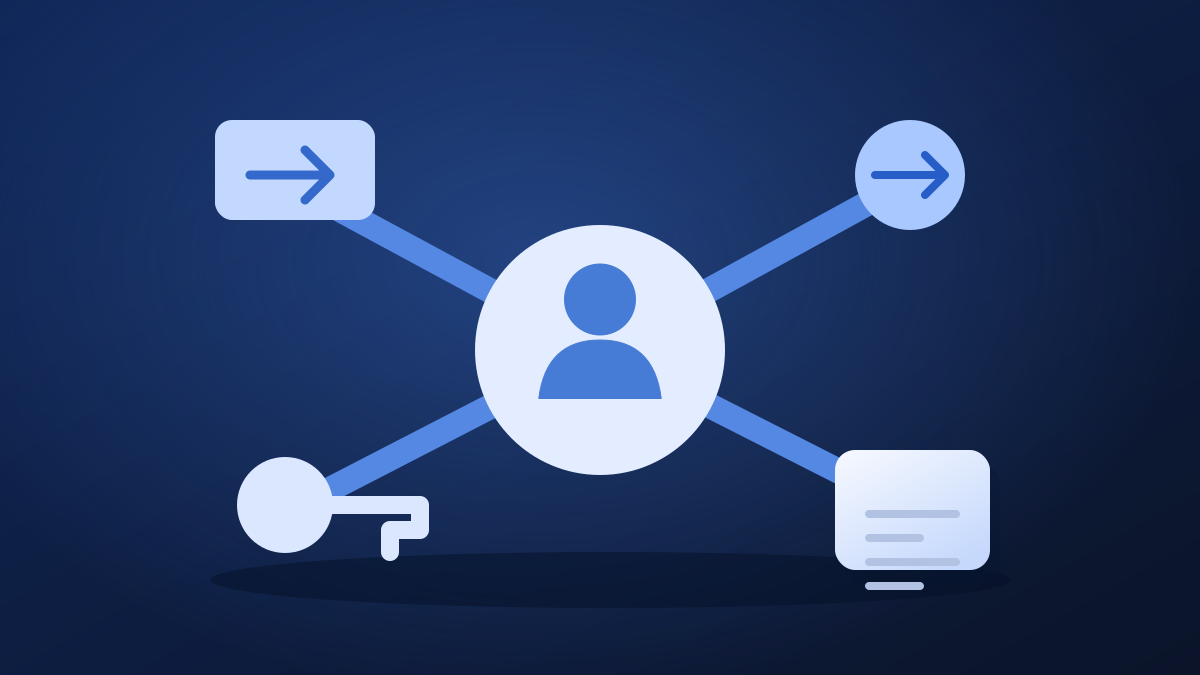
Open Accounts from the account menu to see the accounts available to your Discord connection. Select the account you want to use. You can own up to five Republic accounts through one personal Discord connection. Select Create an account to add another while remaining connected; each account has its own profile, posts, preferences, and moderation history. Switching accounts does not permit evading restrictions.
Recover an Existing Account
If you cannot reach your account, the Legal & Safety Center also provides an account-recovery request route. Supply a reliable contact method when you cannot receive an on-platform reply.
- Open Accounts and expand Recover an existing account.
- Enter the Republic handle of the account you need to recover.
- Explain your ownership evidence using facts that can be verified. Do not submit passwords, Discord tokens, or private identity-document scans.
- Select Request review and return to the account page for the request's status and response.
- If recovery is approved, use Complete recovery to finish the connection.
Access Problems and Restrictions Are Different
If you can select an account but cannot perform an action, read any restriction notice and Account Standing. Recovery establishes access; it does not reverse a valid penalty. Appeal a mistaken decision through the decision's appeal route. On a shared device, sign out when finished and do not leave saved account access available to other people.